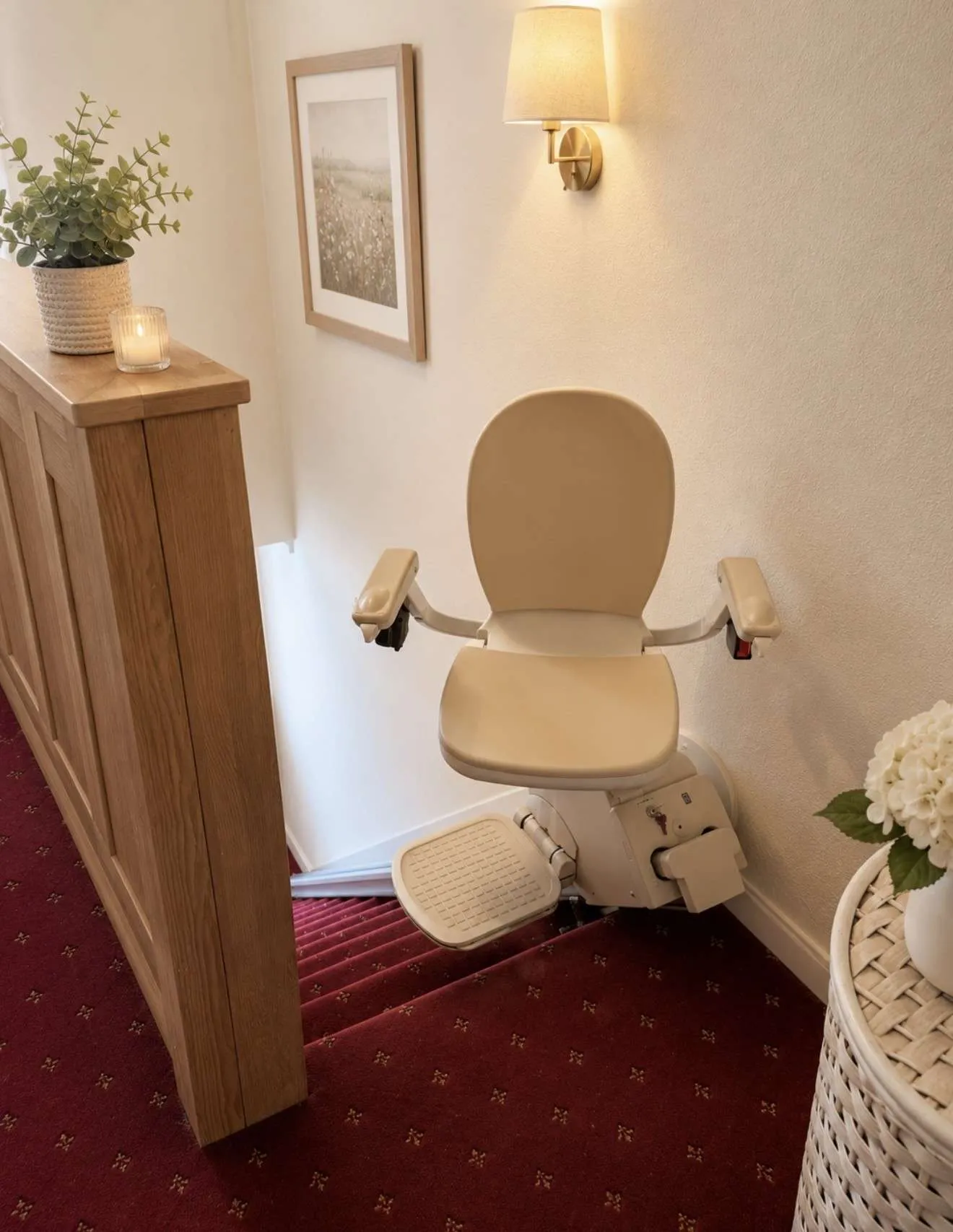
Here are some of the most common Acorn 180 error codes and faults. We hope these help get you going again. If you still need help, get in touch.
Note the Acorn 180 was formally the Acorn 80 or Bison 80
Warning: Stairlifts are powerful electrical devices
Please remember that stairlifts can be very dangerous items if you aren’t trained or experienced. Never dismantle any part of a stairlift or take the covers off. Leave more serious issues to a fully qualified stairlift engineer.
Are you looking for the Brooks straight stairlift error codes?
Acorn 180 Error Codes
| # | Meaning | Description |
|---|---|---|
| A1 | Not On A Charge Point | Stairlift is normal, however it isn’t charging. Ensure the lift is on charge point and power supply to it is switched on. |
| A2 | Lift Is Moving Up | The lift is travelling up using it’s toggle switch. |
| A3 | Lift Moving Down | The lift is travelling down using it’s toggle switch. |
| A4 | Lift Moving Up | The lift is travelling in the upwards direction using it’s remote controls. |
| A5 | Lift Moving Down | The lift is travelling down using it’s remote controls. |
| A9 | Hinge Operating | The lift is waiting for the hinge to complete it’s operation. |
| C1 | Battery Charging | The batteries are charging. |
| C2 | Charger Volts Low | Voltage is too low from the charge point, possibly wiring issue or faulty charger. |
| C3 | Charger Volts High | Voltage is too high from the charge point, possibly a faulty charger. |
| C4 | Batteries Charged | The lift is parked on a charge point and the batteries have fully charged to 100% capacity. |
| C5 | No Battery Detected | The charger is connected but no batteries have been detected. |
| E1 | Footrest Downside Activated | Check to see there’s no obstructions on the down side of the footrest. |
| E2 | Footrest Upside Activated | Check to see there’s no obstructions on the up side of the footrest. |
| E3 | Footrest Underside Activated | Check to see there’s no obstructions underneath the footplate. |
| E4 | Carriage Downside Activated | Check to see there’s no obstructions on the down side of drive unit. |
| E5 | Carriage Upside Activated | Check to see there’s no obstructions on the up side of drive unit. |
| E6 | Seat Rotated | The seat is in it’s rotated position, turn the seat back to normal for lift to work. |
| E7 | Battery Low | Drive the stairlift down to the lower charge point to recharge batteries. |
| E8 | Over Temperature | High temperature detected on main PCB board, power down for a period to cool down. |
| E9 | Encoder Fault | There’s a fault with the drive or levelling encoder. Check encoder is working. |
| F1 | Relay Fault | Turn the lift off and on again, if this doesn’t work then the main PCB board may need replacing. |
| F2 | Brake Fault | Most likely due to low batteries, let lift charge and if not resolved contact a stairlift engineer. |
| F3 | Over Current | Either the lift is being used past it’s weight limit/capacity or the motor may be faulty. |
| F4 | Tilt Motor Fault | Tilt motor resistance too high, check for obstructions on both sides of lift |
| F5 | Battery Flat | Drive the lift down to it’s charge point and leave to charge for 1-2 hours. |
| F6 | Final Limit Overrun | The stairlift has gone past it’s intended stop, hand-wind the stairlift away from the stop a few inches to reset. |
| F7 | Overspeed Gear | The OSG has tripped in the stairlift. Service engineer required to reset this due to the complexities involved. |
| F8 | Tilt Limit Switch | The lift has gone beyond it’s expected angle. |
| F9 | OSG Pulse Not Present | The lift isn’t detecting OSG rotation when travelling, clean the front face of the rail and failing that replace the OSG. |
| H1 | Safety Switch Shorting Or Multiple Fault | There’s either a safety switch grounding with the chassis or there’s multiple faults on a safety loop. |
| H2 | Levelling System Error | There’s a fault with the drive or levelling encoder |
| H3 | Hinge Communication Fault | Check there’s still power switched on from the mains supply. |
| H4 | Secondary Processor Fault | Switch off the lift and back on again then retry. |
| H5 | Memory Store Not Responding | Switch off the lift and back on again then retry. |
| H6 | Hinge End Limits Not Found | Check for obstructions with the powered hinge to ensure it can move up and down freely. |
| H7 | Over-tilt Fault | The stairlift seat has moved too far from level. |
| H8 | Voltage Supply Limits Reached | Switch off the lift and back on again |
| H9 | Accelerometer Fault | Switch off the lift and back on again |
| J1 | Level Difference | Due to the level position changing, the lift needs to be reset by driving the lift to the top charge point. |
| J2 | Drive Position Difference | Due to the drive position changing, the lift needs to be reset by driving the lift to the top charge point. |
| J3 | Levelling Safety Mode | Drive the lift to the top charge point to clear this code. |
| J4 | Program Out Of Range | Possible encoder fault or reprogram needed. |
| J5 | Program Fault | The lift/rail program is not stored or may be corrupted. |
| J6 | Position Overrun | Drive the stairlift to the top charge point to reset. |
| J8 | Hinge Activation Point Error | The lift is set within 80mm of the parking charge point, move the lift further away on programming. |
| U1 | Set Hand Mode | Programming only |
| U2 | Left Hand Mode | Programming only |
| U3 | Right Hand Mode | Programming only |
| P1 | Program Mode | Programming only |
| P2 | Program Mode | Programming only |
| P3 | Program Mode | Programming only |
| P4 | Program failure | Programming only |
| P8 | Controller Locked | Programming only |
| P9 | Waiting For Hinge Address Code | Programming only |
| L1 | Speed Settings | 15% |
| L2 | Speed Settings | 30% |
| L3 | Speed Settings | 45% |
| L4 | Speed Settings | 60% |
| L5 | Speed Settings | 75% |
| L6 | Speed Settings | 90% |
| L7 | Speed Settings | 100% |
| L8 | Hinge Operation Point | Programming only |
| L9 | Carriage & Seat Level Address Code | Programming only |
Acorn 180 Error Codes Summary
The Acorn 180 curved stairlift is usually a very reliable machine. However, if you do see an error code we hope this list gives you a guide. Feel free to give us a ring 01733 971 975 or drop us a message, even out of hours.